


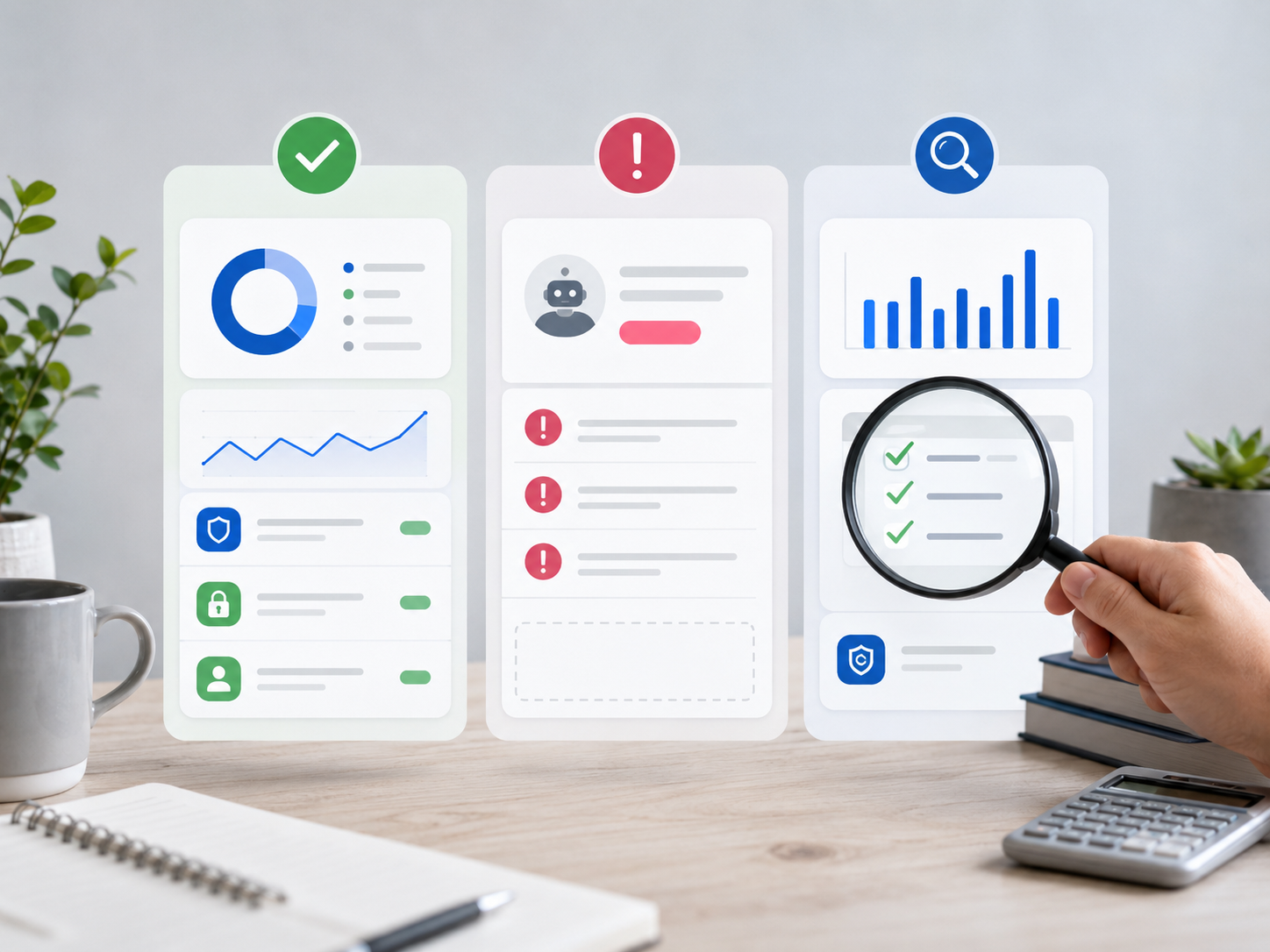
Quick answer: You can use AI to find hidden subscriptions and spending leaks by connecting a budgeting app to your accounts, letting it scan recurring transactions, reviewing categories manually, flagging unused or duplicated services, and setting monthly alerts for future charges. AI can speed up the search, but you should still confirm each charge before canceling anything.
Most spending leaks are not dramatic.
They look like this:
A $9.99 app you forgot.
A streaming service you barely use.
A trial that converted into a paid plan.
A cloud storage upgrade you no longer need.
A delivery fee habit that does not feel expensive until the month ends.
One charge does not hurt much. Ten of them quietly reshape your budget.
This is where AI budgeting tools can help. They can scan your transactions, detect recurring payments, group spending categories, and show patterns you might miss manually. But AI is not magic. It can mislabel transactions, miss cash spending, or confuse transfers with expenses.
The right approach is simple: let AI find the clues, then use human judgment to decide what to do.
Who This Guide Is For
This guide is for you if:
- You suspect you are paying for subscriptions you no longer use.
- You want to reduce monthly expenses without cutting essentials.
- You have several cards, bank accounts, or payment apps.
- You forget when free trials convert into paid plans.
- You want a safer, more systematic way to review spending.
This guide is not about extreme frugality. It is about removing waste so your money can support the things you actually value.
» MORE: Explore AI Budgeting Guide (2026): Tools, Safety & Smart Money
What Are Hidden Subscriptions and Spending Leaks?
Hidden subscriptions are recurring charges you either forgot about, rarely use, or no longer need.
Examples include:
- Streaming services.
- App store subscriptions.
- AI tools.
- Fitness apps.
- Cloud storage.
- Software trials.
- Meal delivery memberships.
- Gaming subscriptions.
- News or creator memberships.
- Website plugins or freelance tools.
Spending leaks are broader. They include any repeated spending pattern that quietly drains your budget without giving you enough value.
Examples include:
- Frequent food delivery.
- Small daily convenience purchases.
- Bank fees.
- Unused memberships.
- Duplicate services.
- Auto-renewing annual plans.
- Higher-than-expected utility or phone bills.
- “One-click” online purchases.
A subscription is usually easy to identify because it repeats. A spending leak can be harder because it may look like normal life — until AI shows the pattern.
How AI Finds Spending Leaks Faster Than Manual Tracking
AI budgeting tools can help because they look at transaction patterns across time.
A good AI or automation-powered budgeting app may:
- Detect recurring payments.
- Group transactions by merchant.
- Categorize spending automatically.
- Notice monthly or annual renewals.
- Alert you before upcoming bills.
- Show increases in a category.
- Flag duplicate subscriptions.
- Estimate how much a charge costs annually.
Rocket Money, for example, describes itself as a subscription manager that helps users find and cancel unwanted subscriptions while also creating custom budgets to track monthly spending. Monarch says it automatically detects recurring subscriptions such as streaming services, gym memberships, and app memberships so users do not lose track of what they are paying for.
That does not mean those tools are perfect. It means they can reduce the first layer of manual work: finding what repeats.
Step 1: Choose an AI Budgeting or Subscription Tracking Tool
Start with a tool that can scan recurring transactions.
You can use:
- A dedicated subscription tracker.
- An AI budgeting app.
- A banking app with spending insights.
- A credit card app with merchant tracking.
- A personal finance dashboard.
Popular examples include Rocket Money, Monarch Money, Copilot Money, Quicken Simplifi, PocketGuard, and some bank-provided spending tools. The right choice depends on your privacy comfort, budget, country, bank compatibility, and how much automation you want.
Before connecting accounts, check three things:
- Does the app support your bank or card provider?
- Can you disconnect your accounts easily?
- Does the app clearly explain how it uses your data?
The US CFPB finalized a personal financial data rights rule in October 2024 intended to give consumers more control over access to data linked to bank accounts, credit cards, mobile wallets, payment apps, and other financial products. That matters because AI budgeting is not only a convenience decision. It is also a financial data access decision.
Step 2: Connect the Right Accounts
To find hidden subscriptions, you need to connect the accounts where subscriptions actually charge.
That may include:
- Main checking account.
- Secondary checking account.
- Credit cards.
- PayPal or payment apps, where supported.
- Business card, if you are self-employed.
- App store payment card.
- Shared household card.
Many people only connect one account and then wonder why the app missed subscriptions. The leak may be on another card.
For example:
- Apple subscriptions may charge one card.
- Streaming services may charge another.
- Business software may run through PayPal.
- Annual renewals may hit a credit card you rarely check.
If you are uncomfortable connecting every account, start with your main credit card and checking account. That still gives AI enough data to find many recurring charges.
Step 3: Let the AI Scan for Recurring Charges
Once connected, let the tool analyze your transactions.
Look for sections called:
- Subscriptions.
- Recurring payments.
- Bills.
- Upcoming charges.
- Spending insights.
- Merchant history.
- Monthly expenses.
Rocket Money says it brings subscriptions into a single list so users can track what they are paying for, and it also highlights upcoming bills. Monarch’s help center explains that its recurring calendar can track subscriptions, bills, transfers, and paychecks, and that it scans synced transactions to detect recurring items.
At this stage, do not cancel anything yet. First, review the list for accuracy.
AI can make mistakes.
It may label a loan payment as a subscription.
It may count a transfer as a bill.
It may miss an annual subscription because it has not repeated recently.
It may group two similar merchants incorrectly.
Use the AI list as a starting point, not the final truth.
Step 4: Sort Every Subscription Into 4 Categories
Once you have the recurring-charge list, sort each item into one of four buckets.
| Category | Meaning | Action |
| Keep | You use it often and it is worth the cost | Keep, but check plan level |
| Downgrade | Useful, but you may be overpaying | Move to cheaper plan |
| Cancel | You rarely use it or forgot about it | Cancel after confirming |
| Investigate | You do not recognize it | Check merchant, account, and billing history |
This is where human judgment matters.
AI can tell you a charge exists. It cannot always know whether it supports your work, health, education, family, or business.
A freelancer’s AI writing tool may look expensive, but it could be essential. A cheap subscription may look harmless, but if you never use it, it is still a waste.
Step 5: Check Annual Cost, Not Monthly Cost
Small monthly charges hide their real impact.
Use this simple formula:
Monthly cost × 12 = annual cost
Examples:
| Monthly Charge | Annual Cost |
| $4.99 | $59.88 |
| $9.99 | $119.88 |
| $14.99 | $179.88 |
| $29.99 | $359.88 |
| $49.99 | $599.88 |
This is one of the best ways to make AI budgeting useful. Ask the tool, or calculate manually:
- “What does this cost me per year?”
- “How many times did I use it last month?”
- “Is there a cheaper plan?”
- “Do I already pay for a similar service?”
A subscription is not bad because it costs money. It is bad when the value is lower than the cost.
Step 6: Look Beyond Subscriptions: Find Spending Leaks
Hidden subscriptions are only one type of leak.
Use AI category insights to review repeat spending patterns such as:
- Takeout and delivery.
- Rideshare trips.
- Coffee shops.
- Convenience stores.
- In-app purchases.
- Bank fees.
- ATM fees.
- Late fees.
- Interest charges.
- Duplicate insurance or warranty charges.
- Online shopping categories.
A budgeting app can show that a category rose over time. Your job is to ask why.
For example:
- Did food delivery rise because work got busy?
- Did rideshare spending rise because your commute changed?
- Did software costs rise because your freelance business expanded?
- Did bank fees appear because your balance got too low?
A spending leak is not always a moral failure. Sometimes it is a signal that your system needs adjusting.
Step 7: Cancel Carefully
Before canceling, check:
- Is this subscription tied to work, school, health, or security?
- Will canceling remove data you need?
- Is there a contract or cancellation fee?
- Is it cheaper to downgrade?
- Does someone else in your household use it?
- Is it paid annually, and will canceling stop renewal or remove access immediately?
- Do you need to export files first?
Some apps may offer cancellation assistance. Rocket Money says it can help cancel unwanted subscriptions on behalf of members. Still, you should confirm the cancellation directly with the provider when the subscription matters.
Keep screenshots or confirmation emails for important cancellations.
Step 8: Set AI Alerts So Leaks Do Not Come Back
Finding leaks once is helpful. Preventing them is better.
Set alerts for:
- New recurring charges.
- Upcoming annual renewals.
- Spending category increases.
- Low balance warnings.
- Large transactions.
- Duplicate merchant charges.
- Free trial end dates.
If your app does not support alerts, create calendar reminders manually.
For annual subscriptions, create two reminders:
- Seven days before renewal: decide whether to keep it.
- One day before renewal: confirm cancellation or downgrade if needed.
AI can help you catch future leaks, but only if notifications are set up correctly.
Step 9: Review Your Subscriptions Monthly
A monthly review should take 15–20 minutes.
Use this checklist:
- Did any new subscription appear?
- Did any bill increase?
- Did any free trial convert?
- Did I use each paid service?
- Do I have duplicate services?
- Are business and personal subscriptions separated?
- Are annual renewals coming soon?
- Did I cancel what I planned to cancel?
This monthly habit matters more than the tool itself.
A premium AI budgeting app you ignore will not help. A basic spreadsheet you review monthly can still outperform it.
AI Prompt: Find Spending Leaks From Your Budget Categories
You can also use a general AI assistant to review exported categories or manually summarized spending.
Do not paste sensitive bank details, full account numbers, addresses, or personal identifiers into a chatbot.
Use a cleaned summary like this:
Act as a budgeting coach. Review this monthly spending summary and identify possible spending leaks, duplicate services, or categories I should review. Do not give investment or tax advice. Focus only on budgeting patterns.
Income: $4,200
Recurring subscriptions:
Netflix: $15.49
Spotify: $11.99
Cloud storage: $9.99
AI writing tool: $29.00
Project management app: $12.00
Gym app: $19.99
Meal delivery membership: $9.99
Variable spending:
Groceries: $520
Restaurants: $410
Delivery apps: $265
Rideshare: $180
Shopping: $350
Bank fees: $28
Goals:
Build emergency fund
Reduce subscriptions
Save for taxes
Ask follow-up questions:
Which expenses should I review first and why?
Which subscriptions might be duplicates?
Create a 30-day spending leak cleanup plan.
Which categories should I monitor weekly?
This approach keeps you in control while using AI to organize your thinking.
Privacy and Security: What to Check Before Using AI Budgeting Apps
AI budgeting apps can be useful, but financial data is sensitive.
Before using one, review:
1. Data access
Does the app need full account access, or read-only access? Can it move money, or only view transactions?
2. Data sharing
Does the app share data with partners, advertisers, or analytics providers? Is that clearly explained?
3. Account disconnection
Can you revoke access easily if you stop using the app?
4. Data deletion
Can you delete your account and historical data?
5. Security practices
Does the app explain encryption, authentication, and account protection clearly?
6. Regional rules
If you are in the US, UK, or EU, check whether the app’s data practices match your expectations for your region.
The FTC’s guidance for mobile apps highlights privacy and data security as important consumer protection concerns for app developers. For readers, the practical lesson is clear: do not connect financial accounts to an app until you understand what the app collects and how it handles your information.
Best Types of Tools for Finding Hidden Subscriptions
You do not need the most advanced app. You need the right kind of tool.
| Tool Type | Best For | Limitation |
| Subscription tracker | Finding recurring charges quickly | May not help with full budgeting |
| AI budgeting app | Spending categories, trends, alerts | Requires data sharing and review |
| Bank app insights | Simple account-level tracking | May miss charges on other accounts |
| Credit card app | Merchant-level review | Limited to one card |
| Spreadsheet | Manual review and planning | Requires effort and consistency |
| General AI chatbot | Pattern analysis from cleaned summaries | Should not receive sensitive data |
For many people, the best setup is:
- Use a budgeting app to detect recurring charges.
- Use a spreadsheet to list keep/cancel/downgrade decisions.
- Use calendar reminders for annual renewals.
- Use a general AI assistant only with sanitized summaries.
What to Do With the Money You Free Up
Finding leaks feels good. But the real win comes from redirecting the money.
When you cancel or downgrade something, assign the freed-up amount immediately.
Possible uses:
- Emergency fund.
- Debt payoff.
- Tax savings.
- Retirement contributions.
- A planned purchase.
- Medical savings.
- Education or skill-building.
- Business tools you actually use.
If you cancel $60 per month in unused services and let that money disappear into general spending, the budget does not improve much.
Give the saved money a job.
Common Mistakes to Avoid
Mistake 1: Canceling too aggressively
Some subscriptions support your work, health, learning, or family life. The goal is not to cancel everything. The goal is to remove low-value spending.
Mistake 2: Trusting AI without checking
AI can mislabel transactions. Review before acting.
Mistake 3: Ignoring annual renewals
Annual subscriptions are easy to miss because they do not appear every month. Search your past 12 months of transactions.
Mistake 4: Only checking one card
Subscriptions may be spread across accounts. Review all cards and payment apps you use.
Mistake 5: Forgetting app store subscriptions
Apple, Google, and other app stores may manage subscriptions separately. Check those directly.
Mistake 6: Not tracking what you canceled
Keep a simple cancellation log with the service name, amount, date, and confirmation number.
A 30-Day AI Spending Leak Cleanup Plan
Day 1: Connect and scan
Connect your main accounts to a budgeting or subscription tracking app. Let it scan recurring charges.
Day 2: Create your subscription list
Export, copy, or screenshot every recurring charge. Include monthly and annual costs.
Day 3: Sort into keep, cancel, downgrade, investigate
Do not overthink it. Your first classification is a starting point.
Days 4–7: Cancel obvious waste
Start with forgotten trials, duplicate services, and apps you clearly do not use.
Week 2: Review spending categories
Look at food delivery, shopping, rideshare, fees, and convenience purchases.
Week 3: Set alerts and renewal reminders
Add reminders for annual subscriptions and free trials.
Week 4: Redirect the savings
Move the saved amount to a goal before it gets absorbed into normal spending.
At the end of the month, repeat the review in a lighter version.
Final Verdict: AI Is Best for Finding Leaks, But You Decide What Stays
AI is excellent at finding clues.
It can scan transactions faster than you can. It can spot recurring charges, show spending patterns, and remind you before renewals hit.
But AI cannot decide what matters in your life.
A subscription may look unnecessary to an algorithm but be valuable to your work. A spending category may look high because of a temporary life event. A business tool may look expensive but save hours each week.
Use AI to reveal the pattern. Use your judgment to make the decision.
The goal is not to spend as little as possible. The goal is to stop paying for things that no longer serve you.
FAQ: How to Use AI to Find Hidden Subscriptions and Spending Leaks
Can AI really find hidden subscriptions?
Yes, AI budgeting and subscription tracking tools can detect many recurring charges by scanning bank and card transactions. They are helpful for finding forgotten subscriptions, but you should still review each charge manually because apps can misclassify transactions.
What is the best way to find spending leaks?
Start by reviewing recurring charges, then check categories that repeat often, such as food delivery, shopping, rideshare, bank fees, and subscriptions. AI can speed up the process by grouping transactions and showing spending trends.
Is it safe to connect my bank account to a budgeting app?
It can be safe when the app uses strong security practices and clear data policies, but you should review permissions, privacy terms, data sharing, and account disconnection options before connecting financial accounts.
Can I use ChatGPT to find spending leaks?
Yes, but do not paste sensitive financial data, account numbers, addresses, or personal identifiers. Use a cleaned monthly summary instead. AI can help identify patterns, duplicate services, and categories to review.
How often should I check for hidden subscriptions?
A monthly review is ideal. You should also check before major budget changes, after signing up for free trials, and before annual renewal periods.
Are subscription tracking apps worth it?
They can be worth it if you have multiple subscriptions, use several cards, or often forget renewals. If you only have a few recurring charges, a spreadsheet or calendar reminders may be enough.
What should I do after canceling unused subscriptions?
Assign the freed-up money immediately. Move it to savings, debt payoff, tax reserves, or another specific goal. Otherwise, the money may disappear into everyday spending.
What if AI misses a subscription?
Check your bank statements, credit card statements, PayPal or payment apps, and app store subscriptions manually. AI tools are helpful, but they are not perfect.
This post contains affiliate links. We may earn a commission if you make a purchase through these links, at no additional cost to you. See our Affiliate Disclosure.